
What it is (why)
Executive Briefings is VisionAtlas’s weekly leadership product. It turns goals, KPIs, initiatives, risks, weekly updates, and AI narrative into a structured ten-slide briefing you can review, edit, present, publish, and export — without rebuilding slides by hand.
Use it when executives need a repeatable Monday leadership read with a clear record of what changed, what needs attention, and what decisions are pending.
When to use it
| Need | Use |
|---|---|
| Weekly CEO / leadership briefing deck | **Executive Briefings** (`/executive-briefings`) |
| Quick one-off narrative before a meeting | [AI Summary](/help/ai-summary) |
| Archived monthly/quarterly period snapshot | [Executive reviews](/help/executive-reviews) on `/reviews` |
| Five-slide board pack from current data | **Download board pack** on [AI Summary](/help/ai-summary) or [Reviews](/help/executive-reviews) |
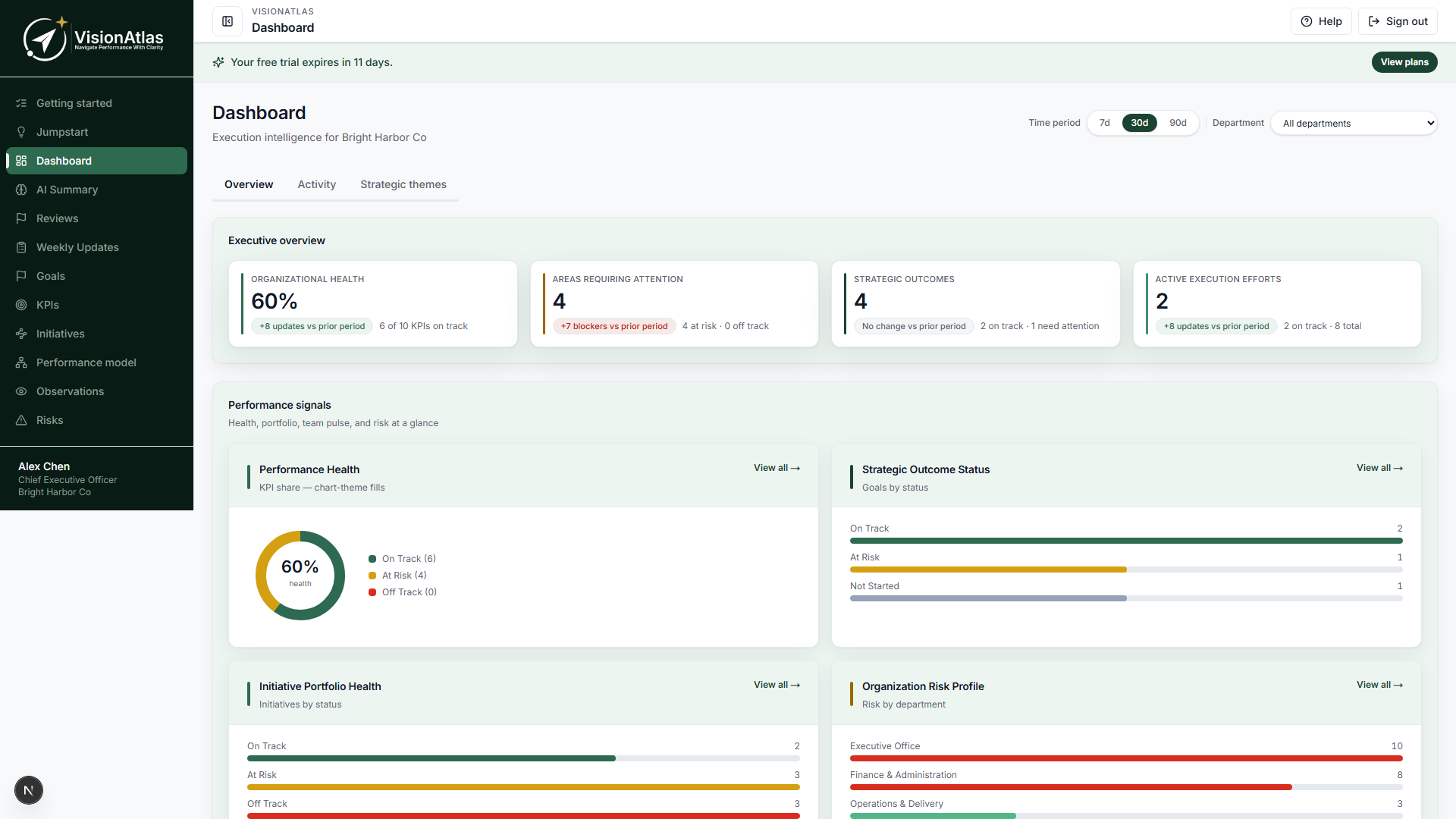
| Day-to-day operational health | [Dashboard](/help/dashboard) |
Executive Briefings require a Intelligence+ plan with AI recommendations. Data respects role visibility — the briefing only includes entities you are authorized to see.
Permissions
Briefings use dedicated RBAC permissions (see Roles and permissions):
| Permission | Purpose |
|---|---|
| **CanViewExecutiveBriefings** | List, detail, editor, and presentation mode |
| **CanGenerateExecutiveBriefings** | Create new briefings |
| **CanEditExecutiveBriefings** | Edit narratives, slide inclusion, executive notes |
| **CanPublishExecutiveBriefings** | Publish and enable share links |
| **CanExportExecutiveBriefings** | Download PowerPoint and printable HTML |
| **CanShareExecutiveBriefings** | Manage secure share links |
| **CanConfigureBriefingTemplates** | Weekly auto-generation schedule and templates |
AI Summary and Reviews use CanViewExecutiveDashboard instead — a user can have dashboard access without briefing permissions.
Templates
When you generate a briefing, choose a template:
| Template | Scope | Slides |
|---|---|---|
| **CEO Weekly Brief** | Company-wide (default) | Seven-slide deck plus **Initiative review** appendix |
| **CEO Concise Brief** | Company-wide | Five-slide skim (summary, KPIs, execution, risks, decisions) |
| **Department Weekly Brief** | Single department | Seven slides with department-scoped data plus **Initiative review** appendix |
The seven slides (CEO Weekly)
| # | Slide | What it covers |
|---|---|---|
| 1 | Executive Summary | Overall health, trend, and key metrics |
| 2 | KPI Performance | Priority KPIs, variance, and trend |
| 3 | Strategic Execution | Goals and ranked initiatives |
| 4 | Executive Risks | Open risks and AI risk themes |
| 5 | Decisions Required | Pending leadership decisions |
| 6 | Department Health | Department alignment scores |
| 7 | AI Insights | Wins, watch items, movement, and recommended actions |
Initiative review appendix
CEO Weekly and Department Weekly also generate an Initiative review pack after the seven slides. Present, PowerPoint, and printable HTML expand it to:
- A cover — health mix, walk order (off track first), and this week’s asks
- One landscape page per initiative (8.5×14) — name with health/status, a project summary (expected outcome, success, description), linked KPIs with the related goal, a team-input summary, milestones (up to five, most recent complete and next pending), and open action items when any exist
This is the deep read for the meeting. Hide it with Include in presentation if you only want the seven-slide skim. CEO Concise does not include the appendix.
The pack uses in-scope initiatives (company-wide or the selected department). Weekly signal prefers an initiative-linked note; otherwise it uses the department’s official week. Department asks attach only to at-risk, off-track, or blocked work. Printable HTML is the PDF path — open the file and print to PDF for a page per initiative.
How to use it
Generate a briefing
- Open Executive Briefings from the sidebar.
- Click Generate briefing.
- Choose a template, reporting period, and scope (company-wide or a department).
- Click Generate now. VisionAtlas builds all slides and opens the editor.
Generation uses current workspace data plus AI narrative. Update KPI actuals and encourage weekly updates before generating for the best result.
Edit and publish
- On the editor page, select a slide from the left panel.
- Edit the narrative, toggle Include in presentation, and save.
- Add Executive notes for internal context (optional).
- Use Regenerate slide to rebuild one slide from fresh data.
- Click Publish briefing when ready.
Share links (after publish)
Published briefings receive a secure share URL (/share/briefing/<token>). Stakeholders with the link can view a read-only presentation without signing in. Treat share links like confidential leadership materials — rotate by unpublishing or regenerating if a link is leaked.
Share link access is limited to Published briefings. Draft briefings are never publicly accessible.
Present and export
From the briefing detail page:
| Export | Slides | Use |
|---|---|---|
| **Download PowerPoint** | Seven core slides plus expanded initiative review pages | Weekly leadership meeting |
| **Download printable HTML** | Same pages — print or save as PDF from the browser | Printable / PDF pack |
| **Present** | Fullscreen with keyboard navigation (arrow through each initiative page) | Live meeting |
This is not the same as the five-slide board pack on AI Summary / Reviews — use the board pack for a shorter investor or board snapshot.
Weekly auto-generation (admins)
On the Executive Briefings list page, administrators with CanConfigureBriefingTemplates can configure a weekly schedule:
- Enable or disable auto-generation
- Day of week and time (company timezone)
- Require review before publish — generated briefings stay in draft until an executive publishes them
Email delivery uses Settings → Notifications → Scheduled executive briefing (monthly reminder email) plus your configured email provider. Weekly emailed decks follow the briefing schedule when enabled.
External cron must call (see docs/ops/cron-runbook.md and README Background jobs):
POST /api/cron/executive-briefing-schedules
Authorization: Bearer <CRON_SECRET>

POST /api/cron/executive-briefings
Authorization: Bearer <CRON_SECRET>
Who typically owns it
| Role | Responsibility |
|---|---|
| **Executives** | Review, edit narratives, publish, present |
| **Company administrators** | Configure weekly schedule, templates, and notification settings |
| **Managers** | Keep KPI actuals and weekly updates current so briefings are accurate |
Related features
- Executive leadership overview — how Briefings, AI Summary, and Reviews fit together
- AI Summary — on-demand narrative
- Executive reviews — period snapshots
- Executive leadership records — audit, retention, and compliance notes
- Dashboard — operational health view
- Action items — follow-ups after leadership review
Common mistakes
- Generating a briefing with stale KPI actuals — refresh data first via KPI actuals or integrations
- Expecting email delivery without enabling notifications in Settings → Notifications and configuring Resend (or your provider)
- Publishing before reviewing AI narrative — always scan the AI Insights slide and the initiative review appendix for accuracy
- Using Reviews (
/reviews) and Executive Briefings interchangeably — Reviews are period snapshots; Briefings are the weekly slide product - Sharing draft briefings — only published briefings have share links
- Downloading the board pack when executives need the full weekly deck plus initiative review appendix